

TL;DR
A target audience template helps you organize who you’re selling to, but the template itself is only as good as the research behind it. This guide compares 10 options across free visual templates, collaborative whiteboards, AI persona generators, and research-backed workflows. If you need a quick visual, Canva or Venngage works. If you need a defensible, presentation-ready deliverable, MixBright is the strongest option for turning a URL or brief into deck-ready personas with confidence labels.
Why Most Target Audience Templates Fall Short
Here’s the uncomfortable truth about target audience templates: most of them are pretty forms filled with guesses.
A template gives you structure. It gives you fields for demographics, goals, pain points, and channels. What it does not give you is evidence. And without evidence, you end up with what practitioners on Reddit call “playing pretend,” complete with stock photos and fictional hobbies that change nothing about your strategy.
One UX researcher described the problem bluntly in a Reddit thread: persona templates often include arbitrary personality scales and bullet traits, while real UX research is context-dependent. Another practitioner shared a more credible approach, bucketing behavioral patterns from roughly 70 interviews instead of inventing a character from a brainstorm session source.
That tension shapes this entire guide. Below are 10 target audience templates compared by use case, pricing, features, and tradeoffs, followed by a framework for filling them with real insights instead of assumptions.
What Is a Target Audience Template?
A target audience template is a structured document used to define the people or organizations most likely to buy, use, or benefit from a product or service. It typically includes fields for demographics or firmographics, psychographics, behaviors, goals, pain points, objections, channels, and decision triggers.
Templates come in many formats: fillable PDFs, slide decks, whiteboards, Notion databases, infographics, spreadsheets, and AI-powered generators. ClickUp’s definition frames them as tools that structure demographic, psychographic, behavioral, and pain-point data to guide research and segmentation source.
The format matters less than the quality of what goes inside. A Canva template and a research-backed audience intelligence platform both call themselves “persona templates,” but they solve very different problems. For a deeper look at what buyer personas actually involve, see this buyer persona definition and examples guide.
Target Audience Template vs. Buyer Persona vs. User Persona vs. ICP
These terms get used interchangeably across the web. They shouldn’t be.
| Term | Best use | Typical focus |
|---|---|---|
| Target audience template | Broad marketing planning | Segment, needs, channels, positioning |
| Buyer persona | Purchase decisions | Buying triggers, objections, budget, decision criteria |
| User persona | Product/UX decisions | Tasks, workflows, usability needs, goals |
| Marketing persona | Campaign planning | Messages, channels, content, offers |
| ICP (Ideal Customer Profile) | B2B account targeting | Firmographics, account fit, revenue potential |
A B2B SaaS team might need an ICP for account targeting, buyer personas for each member of the buying committee, user personas for product adoption, and marketing personas for content and media planning. Trying to force all of that into a single template creates a document that does everything poorly.
The practical differences between marketing personas and buyer personas determine which fields your template needs and which ones waste space.
How to Choose the Right Target Audience Template
Before scrolling through options, answer one question: what do you need the output to do?
Choose an AI or research-backed workflow if:
- You need to defend insights to executives or clients
- You have a pitch deadline and need deck-ready exports
- You want confidence labels showing where each insight came from
- You need personas generated from a brief or URL plus research data
Choose a visual template if:
- You already have the research and need a polished layout
- Speed matters more than depth
- The audience is internal or educational
Choose a whiteboard template if:
- Your team needs to co-create personas in a workshop
- You need live collaboration
- The persona is part of a discovery process
Choose a doc or database template if:
- You want a living internal wiki
- You need to connect personas to campaigns, content, or CRM insights
At-a-Glance Comparison Table
Pricing checked May 2026. Verify current pricing before committing to a plan.
| Tool | Best for | Starting price | Primary output | Research support | Main limitation |
|---|---|---|---|---|---|
| MixBright | Research-backed, deck-ready personas | Demo available; see pricing page | Brand insights, personas, slide exports | Strong (confidence labels) | No public self-serve free trial |
| HubSpot | Free beginner buyer personas | Free (Marketing Hub tiers from $0) | PDF/template persona | Good guidance, user provides research | Gated downloads; AI depends on input |
| Canva | Visual persona layouts | Free; Pro ~$15/month | Visual docs, slides, infographics | Weak (design-first) | Not a research workflow |
| Venngage | Infographic-style personas | Free; Premium $10/month yearly | Infographics, reports | Weak-to-moderate | Free plan export limits |
| Miro | Collaborative workshops | Free (3 boards); Starter $8/member/month | Whiteboards, boards | Moderate with research pairing | Free plan board limits |
| Xtensio | Living persona documents | Free (5 deliverables); Plus $10/seat/month yearly | Live folios, PDF/PNG, slides | Moderate | Free output is branded |
| UXPressia | Journey-map and CX personas | Free (3 personas); Pro $36/user/month | Personas, journey maps | Stronger CX structure | Overkill for simple marketing |
| ClickUp | Operationalizing audience research | Free; Unlimited $7/user/month yearly | Docs, tasks, whiteboards | Moderate as repository | Learning curve and setup |
| Notion | Lightweight persona wiki | Free; Plus $10/member/month | Wiki/database | Weak unless user adds research | Easy to become static |
| Figma/FigJam | UX/design teams | Starter free; Professional $16/month | Design files, FigJam boards | Moderate for design teams | Not purpose-built for audiences |
1. MixBright
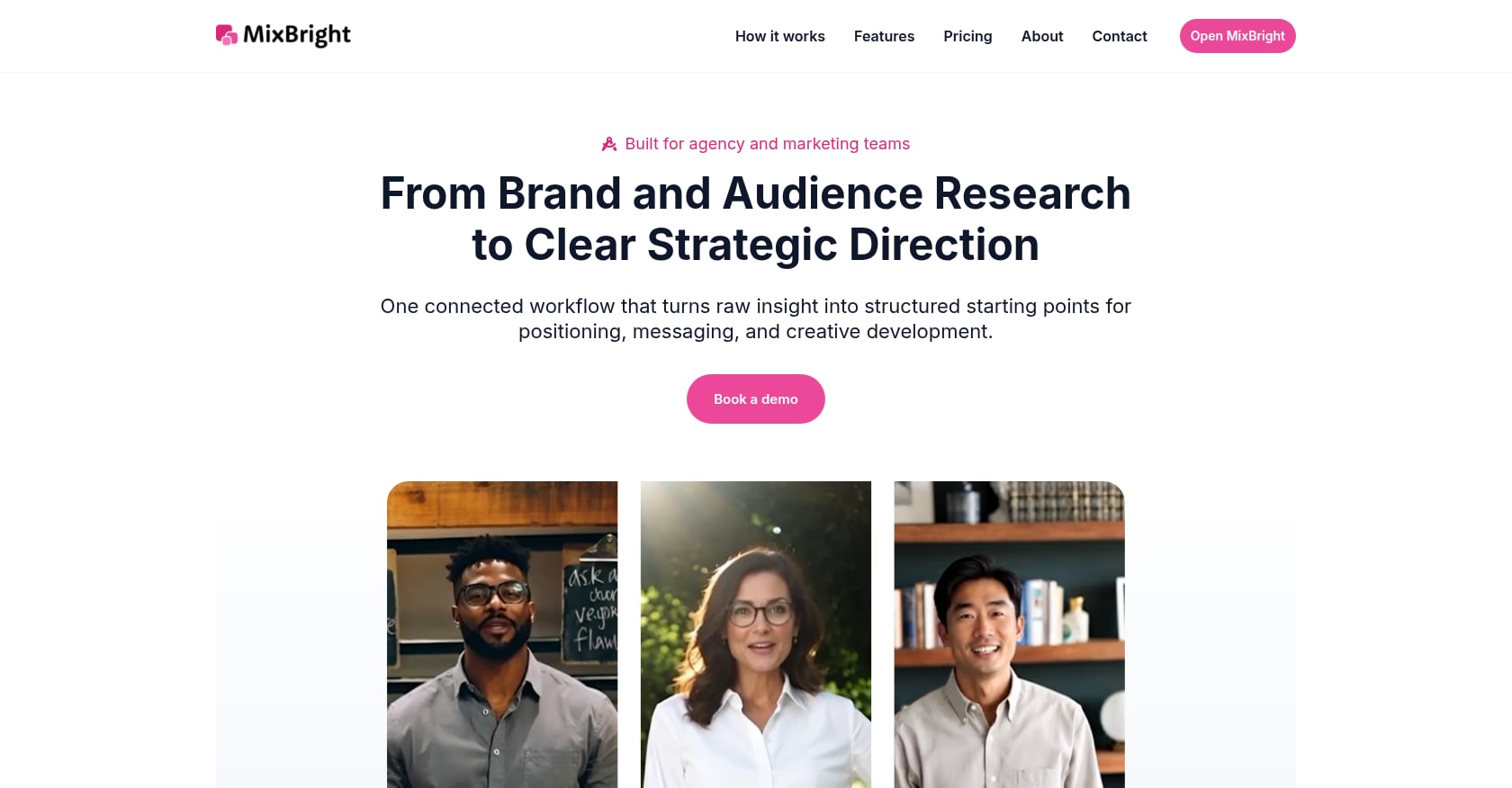
Best for: Teams that need research-backed, presentation-ready personas from a URL or brief.
Pricing: Public self-serve pricing is not published. Demo available via booking a consultation. See the pricing page for current details.
Key features:
- Guided workflow: paste a URL or brief, get brand insights, audience intelligence, and generated personas
- Persona types: buyer, user, and marketing personas tailored to different team needs
- Confidence labels on every insight: First-Party, Data-Backed, or AI-Inferred
- Exports to Google Slides, PowerPoint, and PDF
- Photorealistic royalty-free persona images
- In-app editing so practitioners can refine outputs with domain expertise
- Documented methodology and data integrity guardrails
Why it stands out:
Most target audience templates give you a blank form. MixBright gives you a filled-in starting point backed by labeled evidence. The confidence labeling system is rare among persona tools. It tells stakeholders exactly which insights come from first-party data, which are supported by market research, and which are AI-inferred and need validation. That distinction matters when you’re presenting to a client or executive who will ask, “Where did this come from?”
Tradeoffs:
- No public free trial at the time of writing
- Limited public third-party reviews (best evaluated through a demo)
- Persona images are AI-generated, which some organizations may prefer to swap for real photography
Choose it if you need a target audience template that becomes a defensible strategy deliverable, not a worksheet that collects opinions.
Skip it if you just need a blank visual template for a class project or internal brainstorm.
2. HubSpot Make My Persona

Best for: Beginners creating their first buyer persona for free.
Pricing: The AI persona generator and buyer persona templates are free. HubSpot Marketing Hub tiers range from Free ($0) to Enterprise ($3,600/month for five core seats) source.
Key features:
- Free AI persona generator with natural-language input
- Legacy step-by-step persona builder
- Structured output covering demographics, goals, job responsibilities, communication preferences, and behavioral patterns
- Download and share persona output
- Free buyer persona guide and templates source
Tradeoffs:
- Template downloads are often gated behind a form
- AI-generated personas can look complete even when based on thin input
- Broader HubSpot tools become expensive quickly if you upgrade; G2 review summaries flag pricing escalation as a common concern source
Real user perspective: Reddit users in marketing communities frequently recommend HubSpot when someone asks for free B2B buyer persona templates source. It’s a solid starting point, just not a finishing point.
3. Canva
Best for: Non-designers who need a polished visual persona layout fast.
Pricing: Free plan available. Pro is commonly around $15/month or $120/year, though pricing varies by account and region.
Key features:
- Large library of visual persona and presentation templates
- Drag-and-drop editing
- Brand assets and premium elements on paid plans
- Strong for pitch decks and visual storytelling
Tradeoffs:
- Canva does not solve audience research; it only makes the output look good
- Premium assets and brand features create paywalls
- Output can look polished even when the persona is entirely made up
- Professional designers often find it limiting for advanced workflows source
Real user perspective: G2 reviewers praise Canva for speed and ease. Reddit sentiment is split: marketers value it for quick visual work, while designers push toward Figma or Adobe for anything complex.
4. Venngage
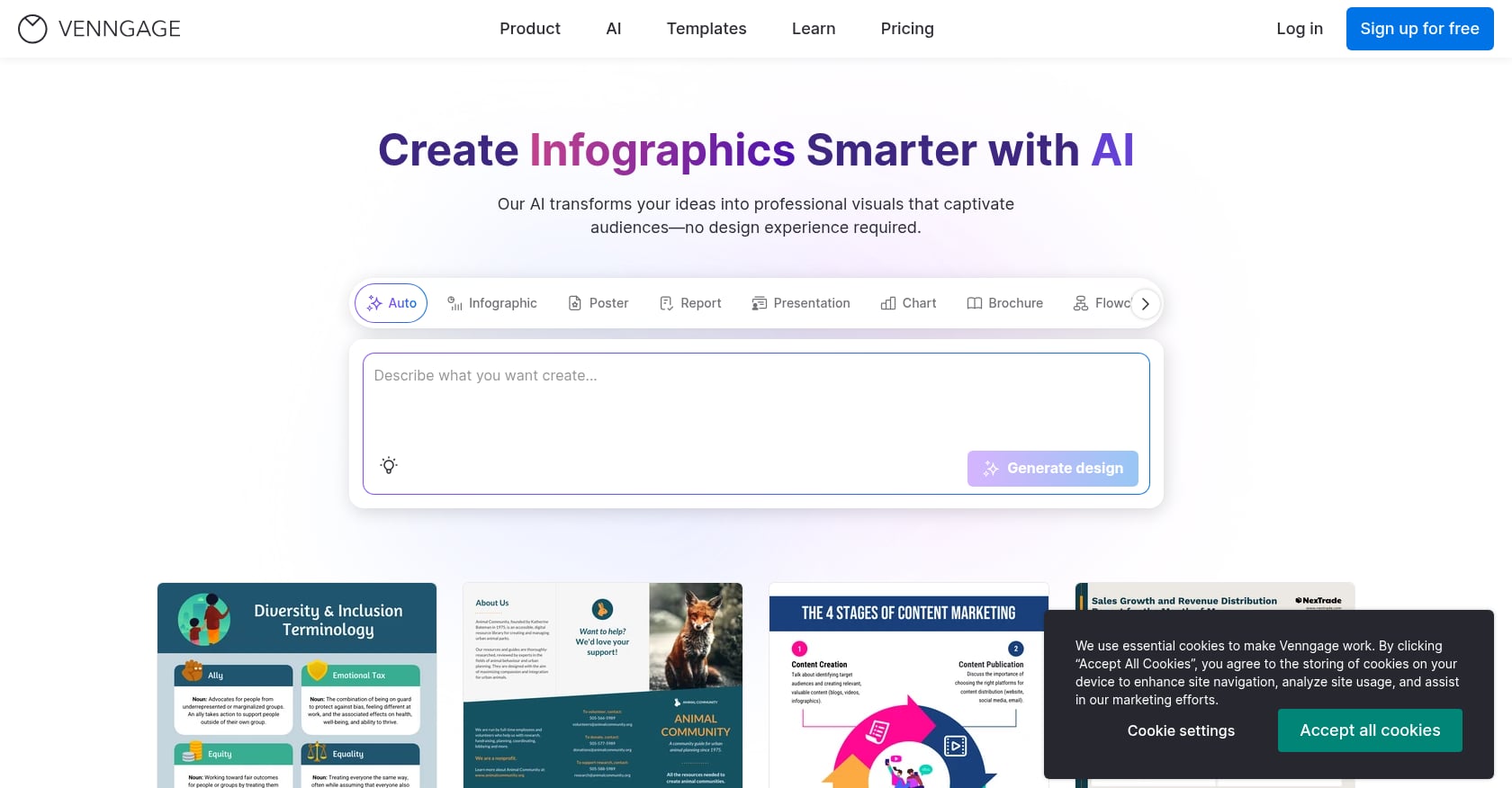
Best for: One-page infographic-style persona summaries.
Pricing: Free ($0, five designs, public sharing). Premium: $10/month billed yearly. Business: $24/user/month billed yearly. Enterprise: from $499/month source.
Key features:
- Persona diagram and infographic templates
- Brand Kit on Business tier
- PDF and PowerPoint export on paid plans
- Team sharing and folders on Business
Tradeoffs:
- Free plan has significant export limitations
- Better for “show” than “know,” meaning it visualizes personas but doesn’t validate them
- Serious export and private sharing needs push users to paid tiers
Real user perspective: G2 reviewers like ease of use, templates, and customer support, but note that the free version’s export restrictions frustrate users who need polished deliverables source.
5. Miro
Best for: Remote teams running collaborative persona workshops.
Pricing: Free (one workspace, three editable boards). Starter: $8/member/month billed annually. Business: $20/member/month billed annually source.
Key features:
- 5,000+ templates including buyer persona boards in Miroverse
- Real-time collaboration with facilitation tools
- Voting, private mode, and higher-resolution exports on paid tiers
- AI credits on all plans
Tradeoffs:
- Free plan’s three-board limit gets tight fast
- Large boards become messy without facilitation discipline
- Final deliverables often need cleanup before executive or client presentation
- Recent pricing and license changes have frustrated some users source
Real user perspective: G2 highlights collaboration as a top strength, while common negatives include learning curve and slow loading for complex boards source.
6. Xtensio
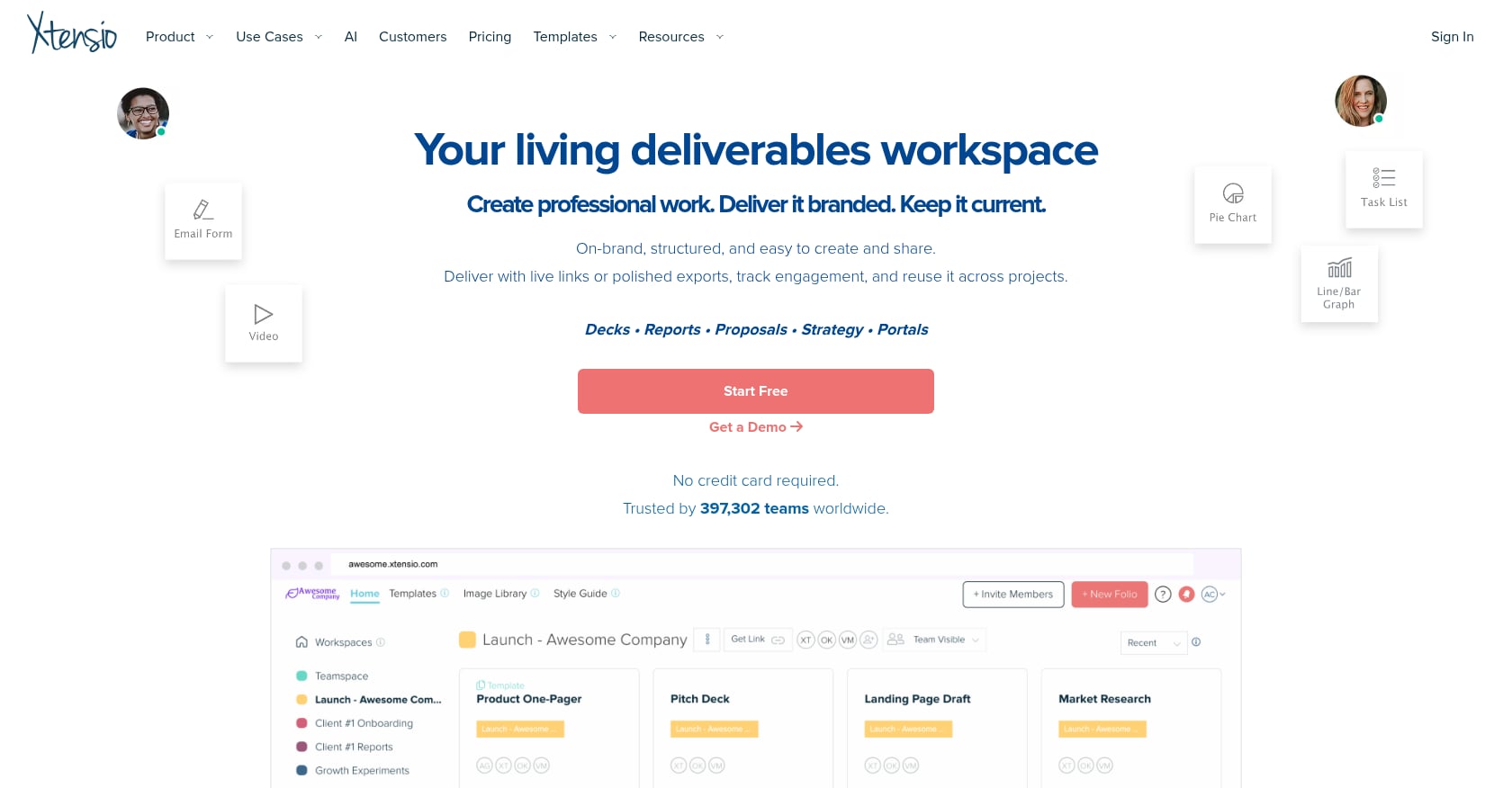
Best for: Consultants and agencies delivering living, shareable persona documents.
Pricing: Free Forever ($0/seat, five deliverables, branded link sharing). Plus: $10/seat/month billed yearly or $12 monthly source.
Key features:
- AI-powered user persona builder
- Live, collaborative documents shareable as interactive links
- Full-screen slideshow presentation mode
- PDF and PNG export
- View/engagement tracking for shared folios on paid plans source
Tradeoffs:
- Still depends on the quality of research users bring to the template
- Free output carries Xtensio branding
- Larger teams or client-facing deliverables likely need paid plans
Choose it if you want a persona that lives as a link rather than dying in a PDF.
7. UXPressia
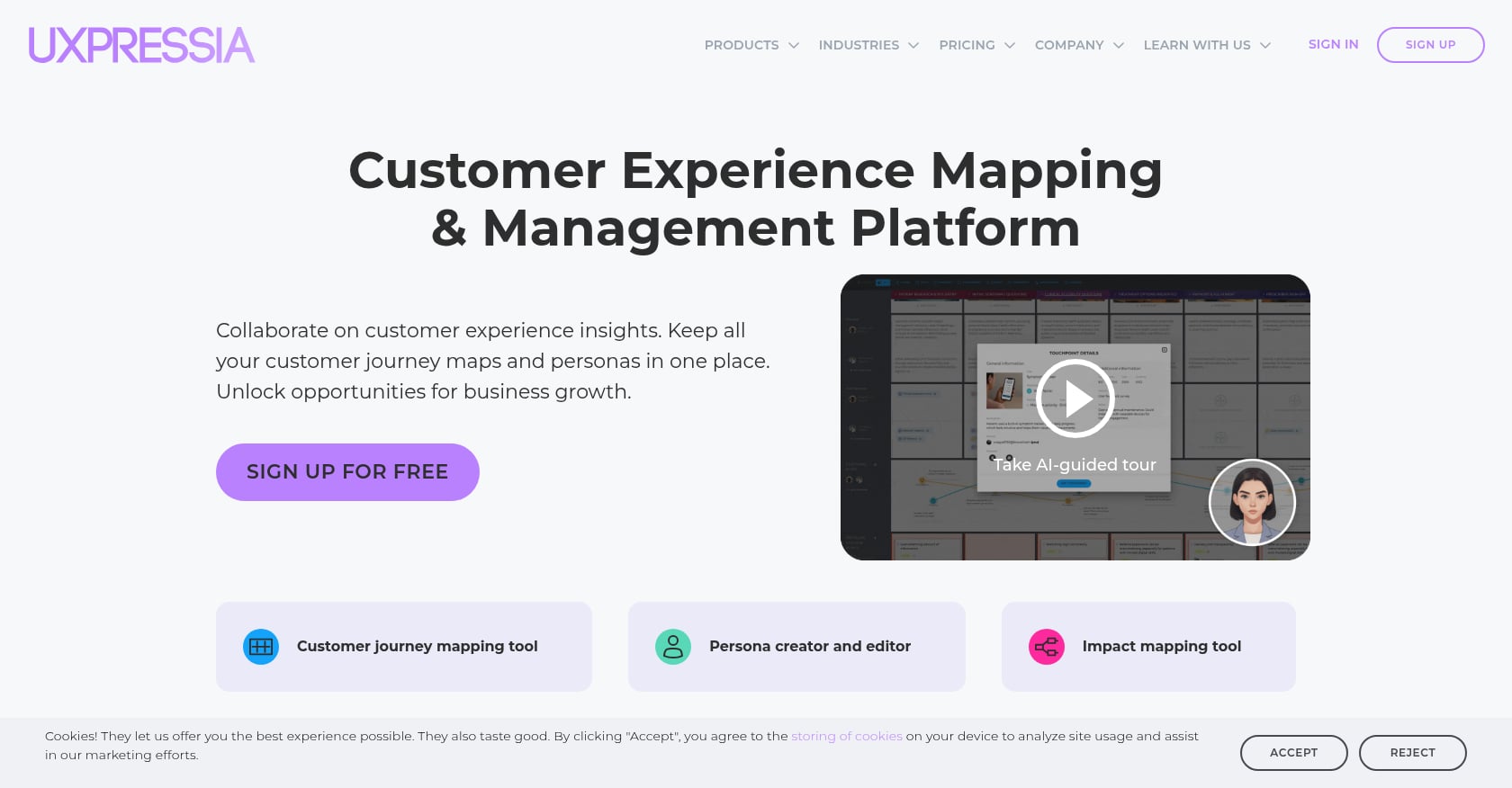
Best for: Service design and CX teams connecting personas to journey maps.
Pricing: Free ($0, three personas, three journey maps, three impact maps). Pro: $36/user/month source.
Key features:
- Persona builder with journey maps and impact maps
- AI persona simulator and photo generator on paid plans
- Multiple personas view
- PDF/CSV export and presentation mode on Pro
Tradeoffs:
- More specialized and more expensive than simple template libraries
- Overkill for a small marketing team that only needs a one-page audience profile
- Best when personas are part of a broader CX or service-design process
Choose it if your target audience definitions need to connect directly to journey maps, service moments, and experience decisions.
8. ClickUp
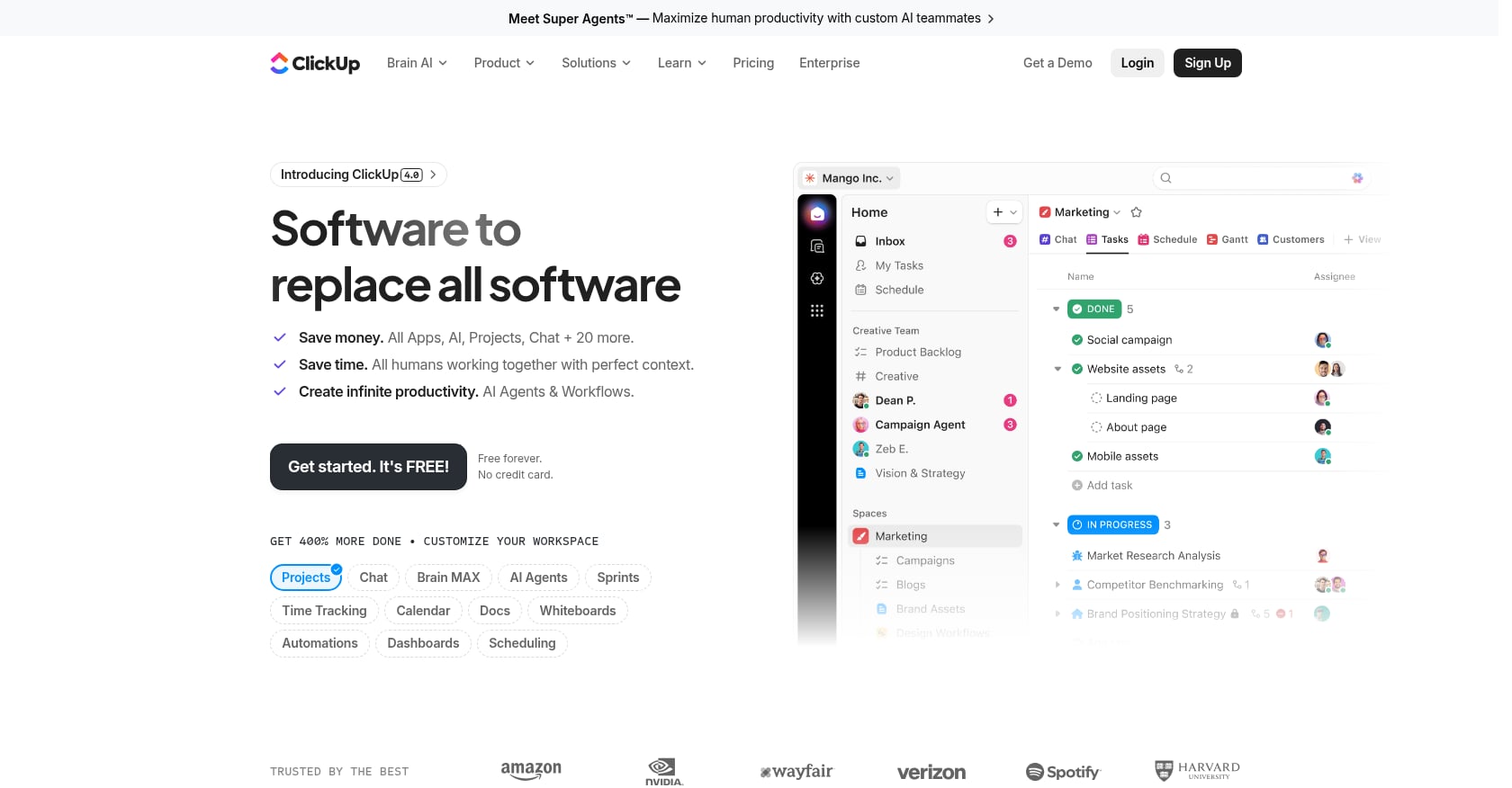
Best for: Marketing and product teams that want audience insights tied to tasks and workflows.
Pricing: Free Forever (unlimited tasks, collaborative docs). Unlimited: $7/user/month billed yearly. Business: $12/user/month billed yearly. AI add-ons priced separately source.
Key features:
- 15 free target audience-related templates including User Persona, Client Discovery Doc, Market Research, Customer Journey Map, and Voice of Customer templates
- Custom fields for demographic data, goals, frustrations, persona tagging, and links to feedback or feature ideas source
- Segmentation, lifecycle stage tracking, and export/share options
Tradeoffs:
- Powerful but can feel like too much if you only need a simple persona worksheet
- Learning curve and performance complaints are common on G2 source
- Reddit threads show frustration around feature restrictions on lower-priced plans source
Choose it if audience insights need to become tasks, workflows, and campaigns, not just a finished profile.
9. Notion
Best for: Solo founders and small B2B teams wanting a lightweight persona wiki.
Pricing: Free ($0/member). Plus: $10/member/month. Business: $20/member/month source.
Key features:
- Free B2B buyer persona templates in the Notion Marketplace
- Database, page, and wiki formats
- Easy to customize and connect to content calendars or GTM docs
Tradeoffs:
- A Notion template easily becomes another static document nobody updates
- Notion does not validate audience research
- Requires discipline to keep personas connected to actual decisions
- Reddit users often say free templates or building from scratch works just as well as paid Notion templates source
Choose it if you already live in Notion and want a simple internal reference, not a client-facing deliverable.
10. Figma/FigJam
Best for: UX and design teams that want persona boards inside their existing design workflow.
Pricing: Starter free with unlimited drafts. Professional full seat: $16/month. Organization: $55/month billed annually source.
Key features:
- Design files and FigJam boards for real-time collaboration
- UI kits and templates
- Strong for UX workflows, prototyping, and visual systems
- Useful when personas are tied to product design decisions
Tradeoffs:
- Not purpose-built for target audience research or marketing strategy
- Can be too design-heavy for marketers who need a practical audience brief
- Seat and pricing complexity matters for cross-functional stakeholders
Choose it if the persona primarily lives inside a product design workflow, not when the goal is marketing strategy or a client-ready audience deck.
What Should a Target Audience Template Include?
Most templates ask for age, job title, and “frustrations.” That’s a start, not a strategy. Here are 10 fields that separate useful audience templates from decorative ones.
1. Segment name and scope. Skip the cute names. Use a plain descriptive label: “Mid-market SaaS VP Marketing” or “Repeat e-commerce buyer seeking premium convenience.”
2. Evidence summary. Every insight should show its source type, collection date, and confidence level. Suggested labels: First-Party (interviews, CRM, support tickets), Data-Backed (market research, industry reports), AI-Inferred (synthesized from patterns, needs validation), and Assumption (hypothesis requiring testing). HubSpot’s own guidance says the strongest buyer personas are based on market research plus insights from actual customers source.
3. Demographics or firmographics, but only what changes the strategy. B2B usually needs company size, industry, role, budget authority, and buying committee position rather than age and hobbies. Forrester’s B2B persona framework emphasizes business needs and environments over consumer-style demographics source.
4. Job-to-be-done. What progress is the audience trying to make? Functional (“build a campaign faster”), emotional (“feel confident in a client meeting”), and social (“look like the expert in the room”).
5. Pain points and stakes. Both practical (time, cost, complexity) and emotional (fear of being wrong, fear of wasting budget). Understanding how psychographic segmentation shapes motivations and attitudes will sharpen this section considerably.
6. Decision triggers. What event causes action? A bad campaign quarter, a client pitch deadline, a churn spike, a new competitor, budget planning season.
7. Decision criteria and objections. What they compare, what proof they need, what scares them, what would make them say no. Miro’s buyer persona guidance recommends including the top reasons a buyer would decline source.
8. Channels and information sources. “Social media” is not a channel. Be specific: which LinkedIn topics, which Reddit communities, which podcasts, which review sites, which analyst reports.
9. Real quotes and voice-of-customer. Verbatim snippets from interviews, support tickets, or sales calls. A LinkedIn practitioner emphasizes capturing exact customer phrases and tagging emotions rather than “marketing-ifying” language too early. Nielsen Norman Group’s empathy mapping guidance treats direct quotes as essential source material source.
10. Activation plan. Message angle, proof point, CTA, content topics, offer type, sales enablement note, and the next experiment to run. This is where a persona stops being a document and starts being a strategy asset.
A simple test from Reddit practitioners: if a field does not change your messaging, targeting, product decisions, or media choices, remove it source.
How to Fill Out a Target Audience Template Without Making Things Up
A target audience template does not create audience knowledge. It organizes audience knowledge. That distinction matters source.
Here’s a practical process:
Start with existing customer data. CRM records, purchase history, account attributes, and churn data all reveal who actually buys (and who doesn’t).
Pull themes from sales calls and support tickets. These are goldmines for pain points, objections, and language patterns. For a deeper look at gathering and applying these signals, the guide on how to collect and apply customer insights covers the workflow end to end.
Interview customers and lost deals. Even five interviews can surface patterns that no amount of brainstorming will produce. One Reddit thread described bucketing patterns from around 70 interviews as the foundation for credible personas.
Review analytics and conversion behavior. Nielsen Norman Group’s research glossary distinguishes attitudinal methods (what users say) from behavioral methods (what users do). Analytics captures real user actions source. Both types belong in your template.
Add social listening and community insights. What questions does your audience ask on Reddit, LinkedIn, or industry forums? What language do they use?
Tag every insight by pain, trigger, objection, channel, and desired outcome. Then separate facts from hypotheses. Label each insight by source type and confidence level. Build one audience segment at a time, and test messaging against it before treating the persona as final.
For teams that want to skip the blank-page problem entirely, MixBright’s guided workflow turns a URL or brief into labeled brand and audience insights as a starting point for exactly this kind of evidence-layered process.
Common Mistakes With Target Audience Templates
Over-indexing on demographics. Age and income matter sometimes. But for most B2B decisions, and plenty of B2C ones, jobs, pains, triggers, and buying criteria matter more. Understanding behavioral segmentation often reveals patterns that demographics miss entirely.
Creating one persona for a whole B2B deal. Forrester reported that the average B2B buying decision involves 13 people and 89% of purchases span two or more departments source. Gartner found that buying groups range from five to 16 people across as many as four functions source. A single persona card doesn’t cover that. Build role-based cards for economic buyer, user, evaluator, champion, and blocker. For B2B specifically, the guide on building personas for enterprise sales covers buying committee mapping in detail.
Filling in fields because the template asks. A Reddit marketing thread puts it sharply: personas are useful only if the team can commit to having different conversations with each one. If two personas get the same message, same offer, and same channel plan, they are probably not separate personas source.
Treating AI output as primary research. AI can draft, structure, and synthesize. It should not be presented as first-party customer evidence. The best AI-assisted workflows make the evidence source visible, which is exactly why confidence labels matter.
Skipping negative personas. A negative persona defines who you are not trying to reach. It prevents wasted ad spend, poor-fit leads, and sales time spent on buyers who will never convert.
No refresh process. A persona created once becomes stale the moment customer behavior shifts, a new competitor changes expectations, or your product positioning evolves. Add an owner, a last-updated date, and specific triggers for revision. The guide on keeping personas relevant in fast-changing markets covers exactly when and how to update.
Frequently Asked Questions
What is the difference between a target audience and a buyer persona?
A target audience is a broader group defined by shared characteristics like industry, role, or behavior. A buyer persona is a more detailed profile of a specific decision-maker or buyer type within that group. Think of the target audience as the segment and the buyer persona as the representative character card.
What should a target audience template include?
At minimum: segment name, evidence source and confidence label, relevant demographics or firmographics, goals, pain points, decision triggers, buying criteria, objections, channels, real customer quotes, messaging implications, and a last-updated date. If a field doesn’t change a strategic decision, remove it.
Are free target audience templates enough?
Yes, if you already have strong research and only need structure to present it. No, if you need to discover, validate, or defend audience insights professionally. Free templates from Canva, HubSpot, or Notion are solid for internal brainstorming. Teams presenting to clients or executives typically need something with more evidence backing and export polish.
How many personas should I create?
Start with one primary audience segment and one or two secondary ones. For complex B2B sales, build role-based cards for each member of the buying committee rather than pretending one persona covers the entire decision. Gartner’s research shows buying groups that reach consensus are 2.5x more likely to report a high-quality deal source.
How often should I update my target audience template?
There’s no fixed schedule. Update when conversion rates shift, churn patterns change, product positioning evolves, a new competitor enters the market, sales objections change, or you enter a new geography. At minimum, assign an owner and set a quarterly review prompt.
Can AI create a useful target audience template?
AI can draft and structure personas quickly, which saves hours of formatting work. It still needs first-party data, customer interviews, analytics, and human review to become defensible. The key is transparency: label which insights come from AI synthesis versus verified customer evidence.
What is the biggest mistake teams make with persona templates?
Treating the template as the research. A persona template organizes what you already know. It does not replace interviews, analytics, sales call analysis, or market research. The prettiest persona in the world is worthless if it’s built on assumptions nobody tested.
Which target audience template is best for agencies?
Agencies need speed, defensibility, and presentation quality. That combination points toward tools that generate personas from research inputs and export to slide formats. MixBright is built for this workflow, producing deck-ready personas with confidence labels from a URL or brief. For agencies that already have deep research, Xtensio’s live folio links are also worth evaluating.